GoomY
Leave WeChef and import your recipes into GoomY
Ready to leave WeChef? Copy your App ID, open GoomY, and your recipes come across with their folders.
In WeChef: Settings, My account, scroll to the bottom. The App ID looks like xxxxxxxx-xxxx-xxxx-xxxx-xxxxxxxxxxxx.

- In WeChef, open Settings, then My account, and copy the App ID at the bottom.
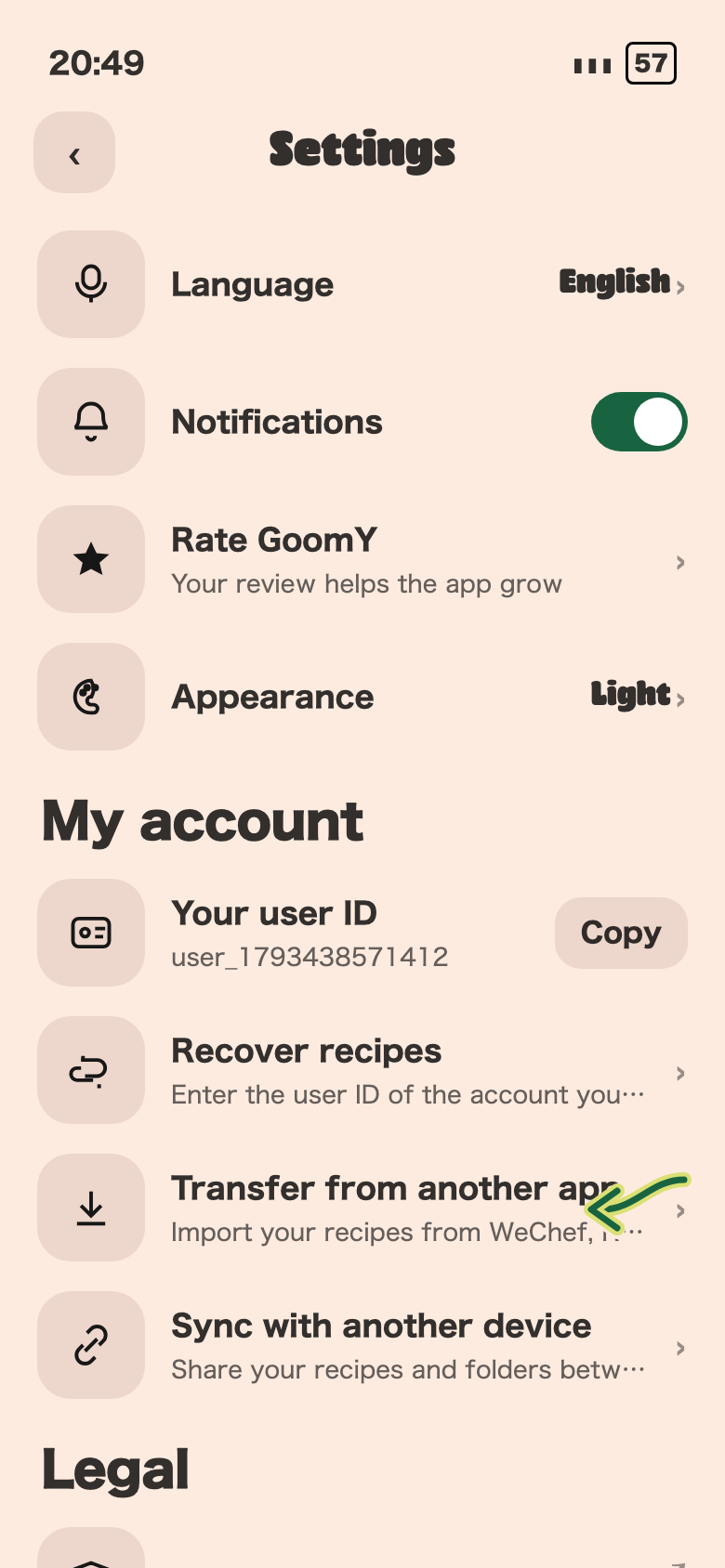
- Download GoomY, then open Settings.
- Tap Transfer from another app.
- Choose WeChef and paste the App ID.
- Tap Check App ID and review the recipe and folder counts.
- Tap Import into GoomY.
WeChef recipes that are not in a folder land in “To sort”.
FAQ
How do I export my WeChef recipes?
Copy the App ID in WeChef, Settings, My account. Paste it in GoomY under Transfer from another app, WeChef.
Where is the WeChef App ID?
WeChef, Settings, My account, at the very bottom.
Are WeChef folders imported?
Yes. GoomY recreates your folders. Everything else goes into “To sort”.
Is GoomY a WeChef alternative?
GoomY takes your WeChef recipes, and it also turns Instagram, TikTok and YouTube videos into recipes.